



Ruin any scene with your friends
Claim a role, record your lines in the booth, and find out what everyone else did at the premiere. Online, on one couch, or alone.
How a round goes
 5 · 1:21Kooky: Big Bad BulliesDub it
Pick a scene
From the Steam Workshop inside the game, or import a video of your own.
- Role 14 lines
 YouRole 24 lines
 Leo
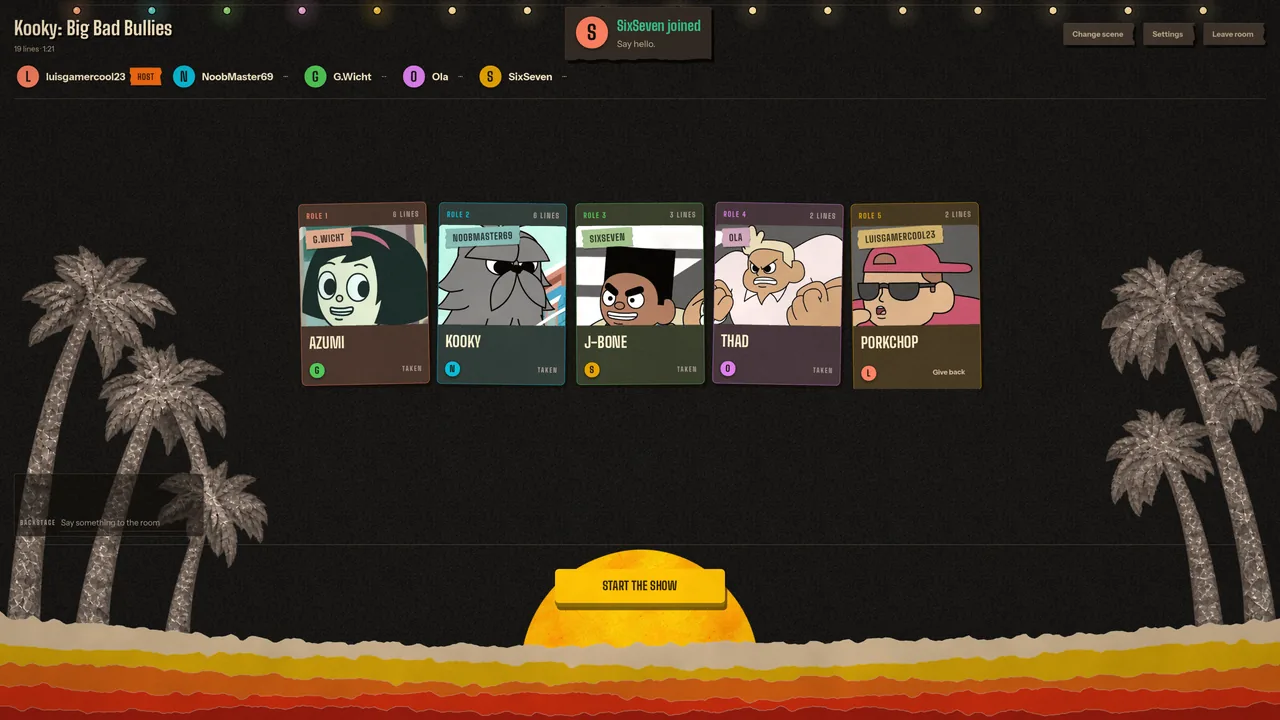
Claim your roles
Everyone takes a character. Roles nobody takes keep their original voice.
 Rec
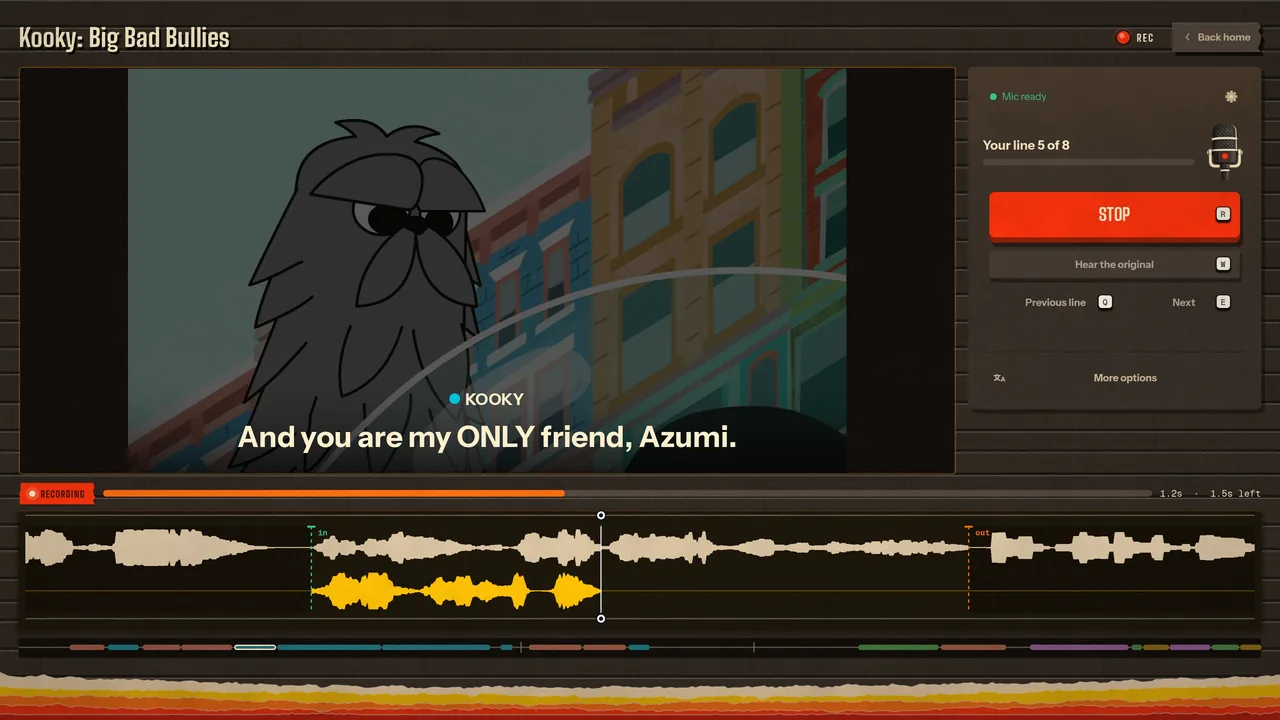
Record in the booth
Hear the original, record your line, play it back, go again. Add a voice if the joke needs one.




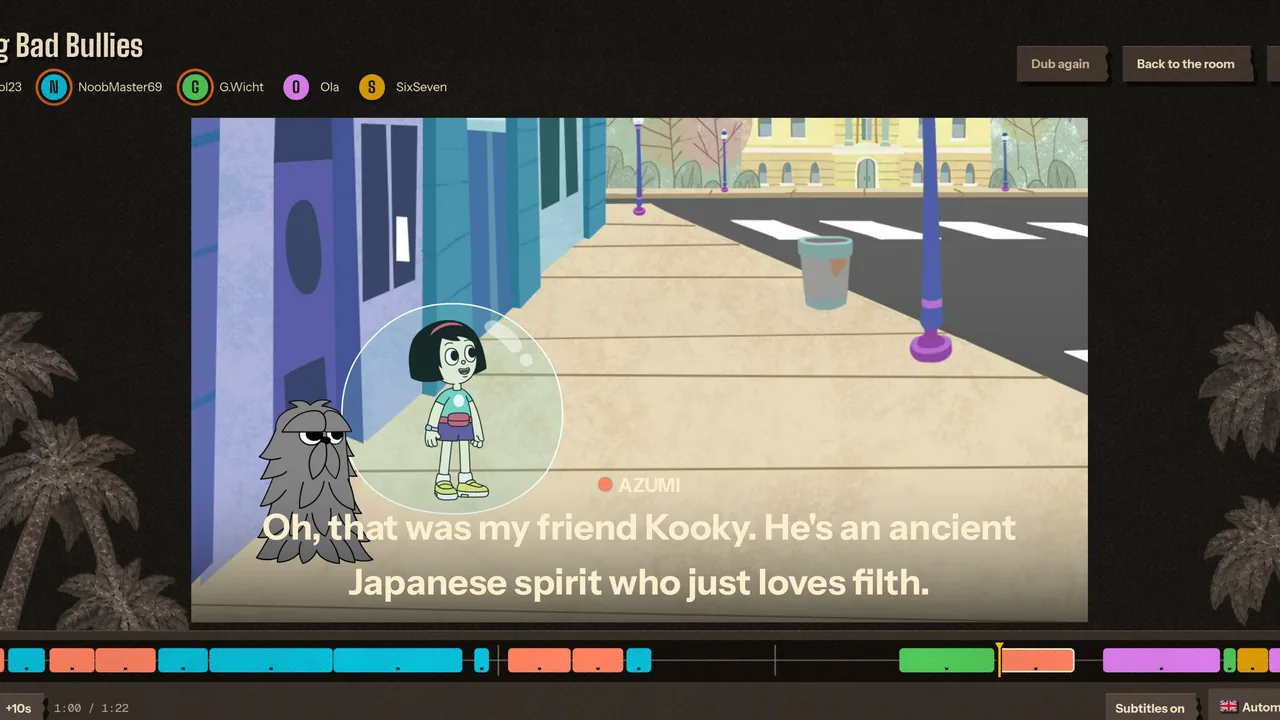
Watch the premiere
Every take comes together in one dub. Throw reactions at the screen, then save it as a video.
Three ways to play
- 1 player
Solo
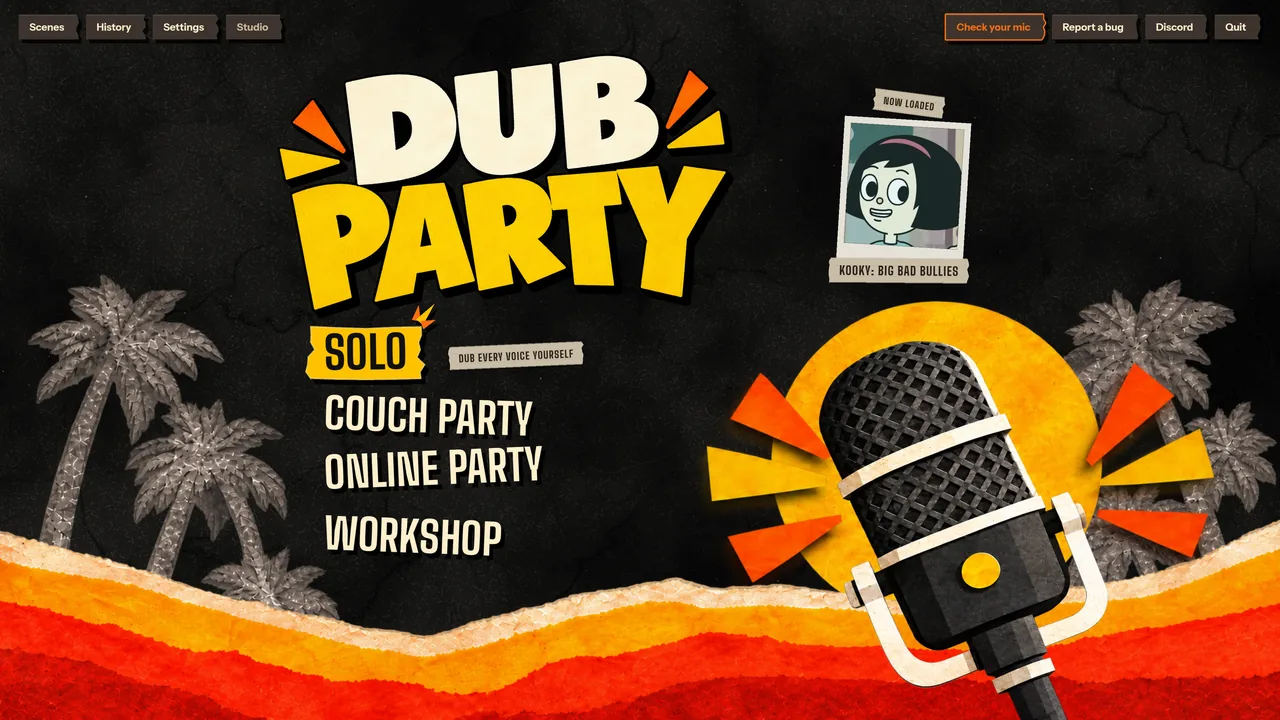
Pick the roles you want and voice them all yourself. The rest keep their original voices.
- Up to 8, one PC
Couch party
One computer, one microphone passed around the room. No extra copies, no setup.
- Up to 16, online
Online party
Private rooms for friends or public lobbies over Steam. The host picks the scene and everyone gets it.
Five games for an online room
 1–16 players
Classic Dub
Everyone claims roles and records their lines. Then the room watches the result.
 2–16 players
Dub Along
Dub the scene together, line by line. Whoever's line it is records it while everyone watches and listens.
 2–16 players
Improv Dub
No words, no voices. Everyone makes up their own role's lines. The premiere puts them together.
 2–8 players
Solo Showdown
Everybody dubs the whole scene alone, every role. Then the room watches each dub and votes for the best.
 Recommended: 3–8 players
Sound Telephone
Write a prompt. Perform the one you get, guess the sound you hear. The chains play at the end.
Bring your own videos
Drop in an MP4, MOV, MKV, WebM or AVI and trim the part you want. Auto Dub runs on your own PC: it takes the voices out of the music, writes down the lines, guesses who says what and reads the video's subtitles to get the words right.
Then fix anything it missed on a proper timeline, and publish the scene to the Workshop for everyone. Dub packs from Choicer Voicer work too.
Everything in the box
- Steam Workshop built in
- Browse community scenes, see frames from inside a scene before you get it, rate them and publish your own.
- 23 voices and your own
- Phone, Chipmunk, Monster, Reverb and Robot one press away, and 18 more like Auto tune, Radio demon, Animatronic, 8-bit and Old man. Or build your own in the Custom tab.
- Lines in your language
- Translate a scene's lines on your own PC and dub scenes from other countries. Nothing gets sent anywhere.
- A real premiere
- Your dub plays with the scene's music and sound. Lines nobody recorded keep their original voice.
- Save the result
- Export the finished dub as a video or audio file, and keep every dub on your shelf to watch again.
- 11 languages
- English, German, Polish, Spanish, Brazilian Portuguese, Italian, Russian, Turkish, Indonesian, Japanese and Simplified Chinese.
- Linux and Steam Deck
- A native Linux version and full controller support.
- Two looks
- A paper TV studio on a beach at sundown, or a glossy Frutiger Aero desktop. One click on the title screen.
Screenshots
Questions
What is Dub Party?
Dub Party is a multiplayer dubbing party game for PC. Up to 16 friends take a video scene, each claims a role, and they record their lines one by one in the booth. Then everyone watches the finished dub together at the premiere.
How many players can play?
From 1 to 16. Play solo, as a couch party of up to 8 on one PC passing a single microphone around, or as an online party of up to 16 over Steam. Solo Showdown and Sound Telephone stop at 8 players.
Where do I find scenes to dub?
In the Steam Workshop browser built into the game. You can see frames from inside a scene before you get it, rate scenes and publish your own. Dub packs from Choicer Voicer work too.
Can I use my own videos?
Yes. Drop in an MP4, MOV, MKV, WebM or AVI and trim the part you want. Auto Dub finds the lines for you on your own PC. Fix anything it missed, then publish the scene to the Workshop if you like.
Does Dub Party run on Linux and Steam Deck?
Yes. There is a native Linux version and full controller support, so it plays on Steam Deck as well as on Windows. Auto Dub, which finds the lines in your own videos, is Windows only for now.
Which languages does Dub Party support?
11: English, German, Polish, Spanish, Brazilian Portuguese, Italian, Russian, Turkish, Indonesian, Japanese and Simplified Chinese.


Grab a mic
Dub Party is out now on Steam. Grab a mic and some friends.